Announcing InsiderList Projects. Let trusted people set up and run sensitive projects with oversight.
Learn more about ProjectsPlatform
Calendars and deadlines
All your Section 16 filing deadlines, blackout periods, and clearance expirations on one calendar.
Trusted by the world's leading companies
























See the rule behind every date.
Every calculated date shows its rule, inputs, and skipped holidays.

Built-in deadline rules
Forms 3, 4, and 5, website posting, and two cooling-off variants are calculated using federal (EDGAR) and NYSE holidays. Each shows its rule and inputs.
Learn more about automated rules and validation
Override a date with a reason
When counsel decides otherwise, an authorized person moves the date with a reason. Both dates stay on the calendar, with who moved it and when.
Learn more about the audit trail
Issuer and personal calendars
Your team sees the issuer calendar in month and list views. A director's portal shows only their blackout period and their own deadlines.
Learn more about user portalsEnter two dates. No retyping.
Enter two dates
Enter your fiscal year end and 10-Q and 10-K filing dates. Form 5 and cooling-off dates are calculated from them automatically.
Keep working
Blackout periods and Trade pre-clearance expirations appear as you enter them. Form due dates are added as filings are prepared, and trading plans add cooling-off and quarter ends.
See how each date was set
Read the rule, inputs, and skipped holidays beside each calculated deadline, then open the date to see the task behind it.
Deadline rules
Dates are calculated and explained under six rules.
Forms 3, 4, and 5
Form 3 generally falls due ten days after a person becomes subject to reporting, with different timing at initial registration. Form 4 generally falls due by the end of the second business day after a reportable transaction.
Form 5, when required, is due 45 days after fiscal year end. Business days skip weekends and every federal EDGAR holiday, so a Friday trade with Presidents' Day on Monday gives a Form 4 due Wednesday.
Each supported deadline is calculated automatically from its recorded inputs, and each filing keeps that result and never recomputes it.

Website posting
A filed Form must be posted on your website by the end of the next business day and stay reachable for 12 months.
Both dates appear on the calendar when the filing agent confirms the filing, so posting is a tracked deadline, not a line on a checklist.
Cooling-off
For directors and officers, cooling-off runs at least 90 days after adoption. It also runs through two business days after the adoption quarter's 10-Q or 10-K, capped at 120 days.
Other persons, excluding the issuer, have a 30-day cooling-off period. Each period is calculated from the person's roster designation, their recorded role (director, officer, or 10% holder), and your 10-Q and 10-K dates.
Each cooling-off end appears on the calendar with its rule.
Worked example
Meet an issuer with 18 Section 16 persons.
See what the administrator sees and what a director sees.

What the administrator sees
Her issuer calendar shows the blackout period, from 14 days before quarter end to the earnings release, three clearance expirations, and her fiscal year end.
Each Form 4 appears on the same screen with its due date and the rule that produced it.
She typed nothing except the two company dates and the blackout dates.
What a director finds
His portal calendar shows the blackout period and his own Form 4, not the CFO's, not the clearance expirations, and not the company's reporting dates.
He no longer copies blackout dates from an email into Outlook, because they are already where he looks.
Access controls show each person only their own dates, and our tests prove it.
What the audit trail keeps
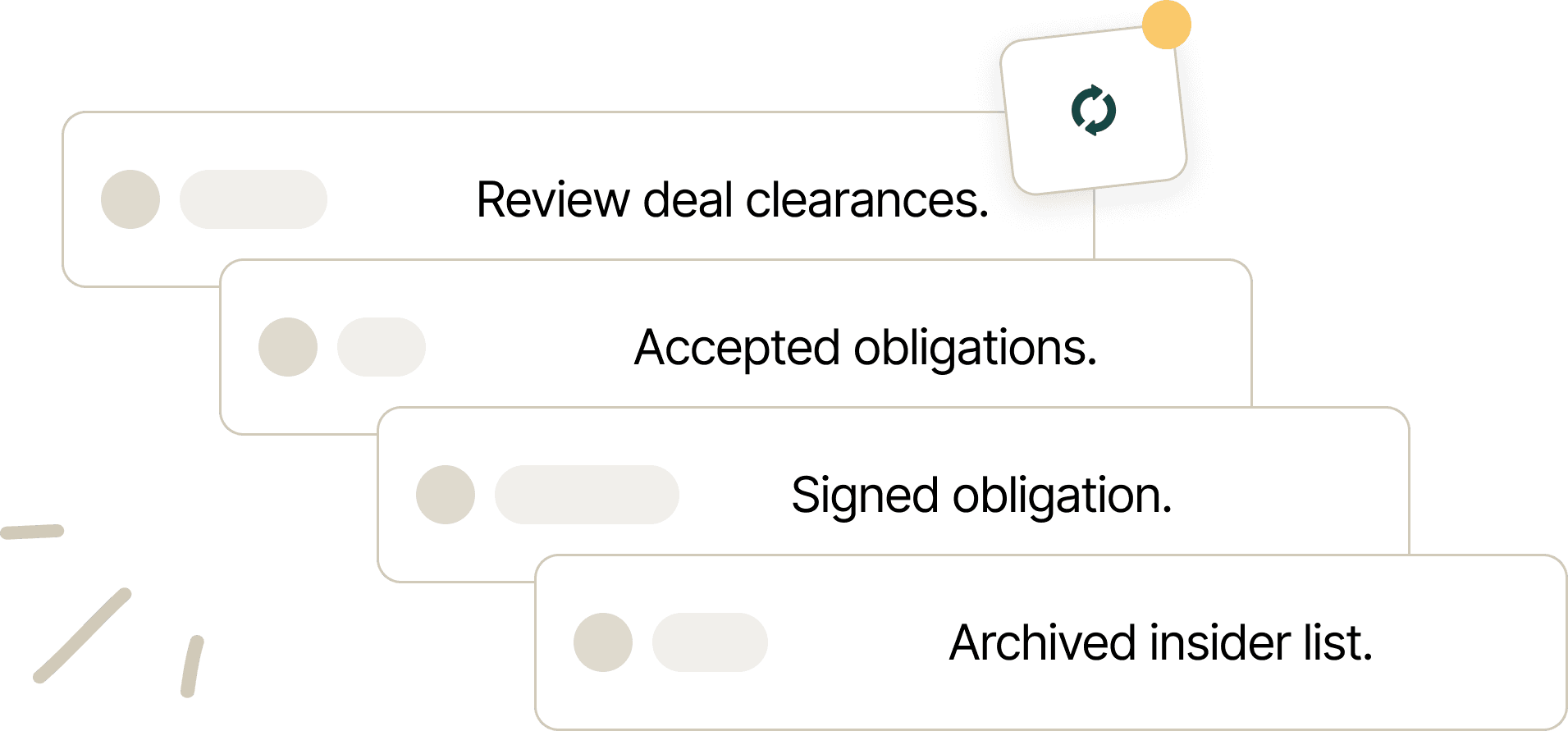
Each calculated deadline is stored with the filing or trade it belongs to, with the inputs that produced it.
Every override keeps who, when, why, and the value it replaced, and the calendar shows both dates.
Each date keeps the rule and the wording that applied on the day.

Dual-listed issuers
Run London and New York on one calendar.
A UK or European company listed in the US keeps one roster and one calendar for every deadline.
See UK deadlines in UK wording and US Forms in US wording, on one calendar.
Every issuer sees this calendar. A UK issuer with no US listing sees its own deadlines and no US dates.
UK filings and US Forms share one transaction history and update the same holdings balance.
FAQs
What buyers ask us

Industry-leading security
Advanced data encryption
256-bit encryption for all your data, in transit and at rest.
ISO 27001, ISO 9001, and Cyber Essentials
Our information security and quality management systems are independently certified.
Continuous security monitoring
We provide 24/7 monitoring, rapid incident response, and an independent penetration test every year.